
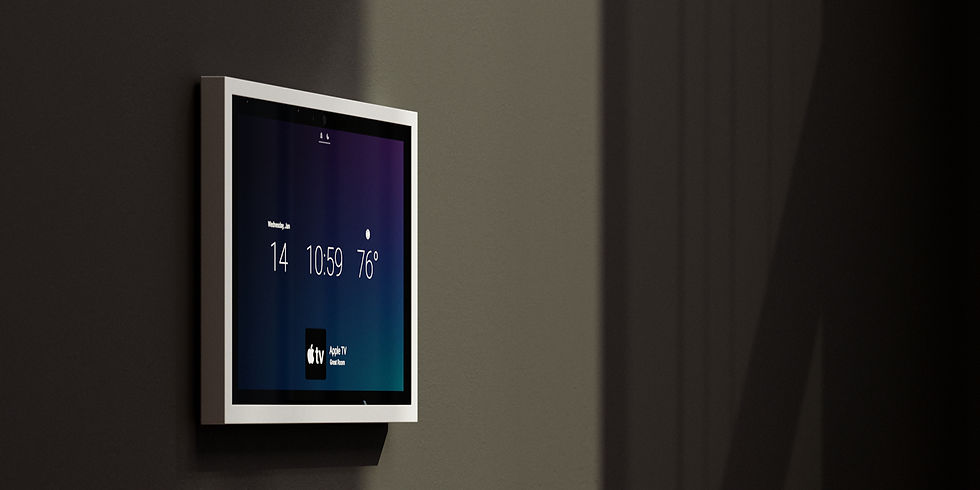
Control4 T5 Touchscreen
BUILT JUST FOR X4 HOME AUTOMATION
Control4 T5 Touchscreen:
What Sydney Homeowners Need to Know
Control4 has announced the new T5 Series In-Wall Touchscreen, including an 11” model (listed as 10.5” diagonal) that’s designed to be slimmer, faster and more “always ready” for daily use. For Sydney homeowners planning a premium smart home build or a Control4 refresh, the T5 is worth understanding early—because it has new hardware features, new trim options, and a minimum software requirement of Control4 X4.2.
In this guide, we’ll cover what the T5 11” is, what’s genuinely new, installation options (including PoE vs AC), cost factors, common mistakes, and how HTI typically designs these into real homes in Sydney.

What it is and why it matters
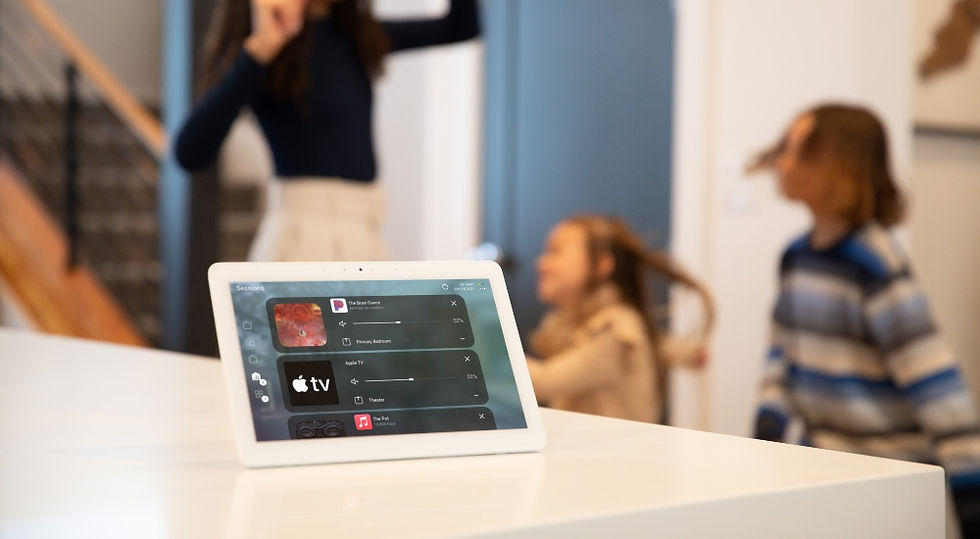
The Control4 T5 11” is an in-wall touchscreen intended as a dedicated control point for lighting, security, audio/video, and whole-home scenes. Control4 positions the T5 as “always connected” control (not a tablet you have to unlock and open apps on), and the official product listings emphasise a low-profile design, proximity sensor, dynamic screensaver, quad microphones, and Dark Mode.
Why it matters in Sydney homes:
-
Fast, predictable control in high-traffic areas (kitchen, hallway, master wing)
-
Better camera and doorbell workflows at a fixed location (handy for families and multi-level homes)
-
A cleaner aesthetic when matched with modern wall plates and Control4 Lux trims (more on this below)
-
Learn about Control4 for Sydney homes: https://www.smarthome-sydney.com.au/control4
-
Whole-home automation overview: https://www.smarthome-sydney.com.au/home-automation
Scroll down

COMPLETELY FLUSH IN WALL OPTIONS
If you’re aiming for a true architectural finish (especially on premium renovations), Wall-Smart make flush wall solutions for smart-home control devices, including Control4-related mounts. This is typically used when you want the touchscreen to sit perfectly flush with the wall surface, with clean lines and minimal visible bezel.
WORKS THE WAY YOU WANT IT TO
Control4 X4 Routines are a simple way to automate everyday actions without needing complex custom programming. A routine is basically an “if this happens, then do that” rule inside Control4—using triggers like time of day, a button press, a security state change, motion, or a doorbell event, and then running actions like lighting scenes, audio, thermostat changes, notifications, or security arm/disarm steps. In real homes, routines are how you get practical outcomes like Goodnight (lights off, doors lock, alarm arms), Arrive Home (pathway lights and music), or Away (turn everything off and simulate occupancy). The main benefit is consistency: routines make the smart home feel predictable and “set-and-forget,” and they’re easy to adjust as your schedule or lifestyle changes.


THE PERFECT BLEND
OF ENGINEERING
AND ELEGANCE
Keep your home elegance
Chime is available in beautiful black and nickel finishes for a luxurious appearance, and crisp, natural two-way audio and high-definition video quality provide user-friendly communication.
Chime also features a night mode, enabling a clear picture in low-light settings, and a sprawling 180-degree field view that allows you to monitor more than just the porch.